

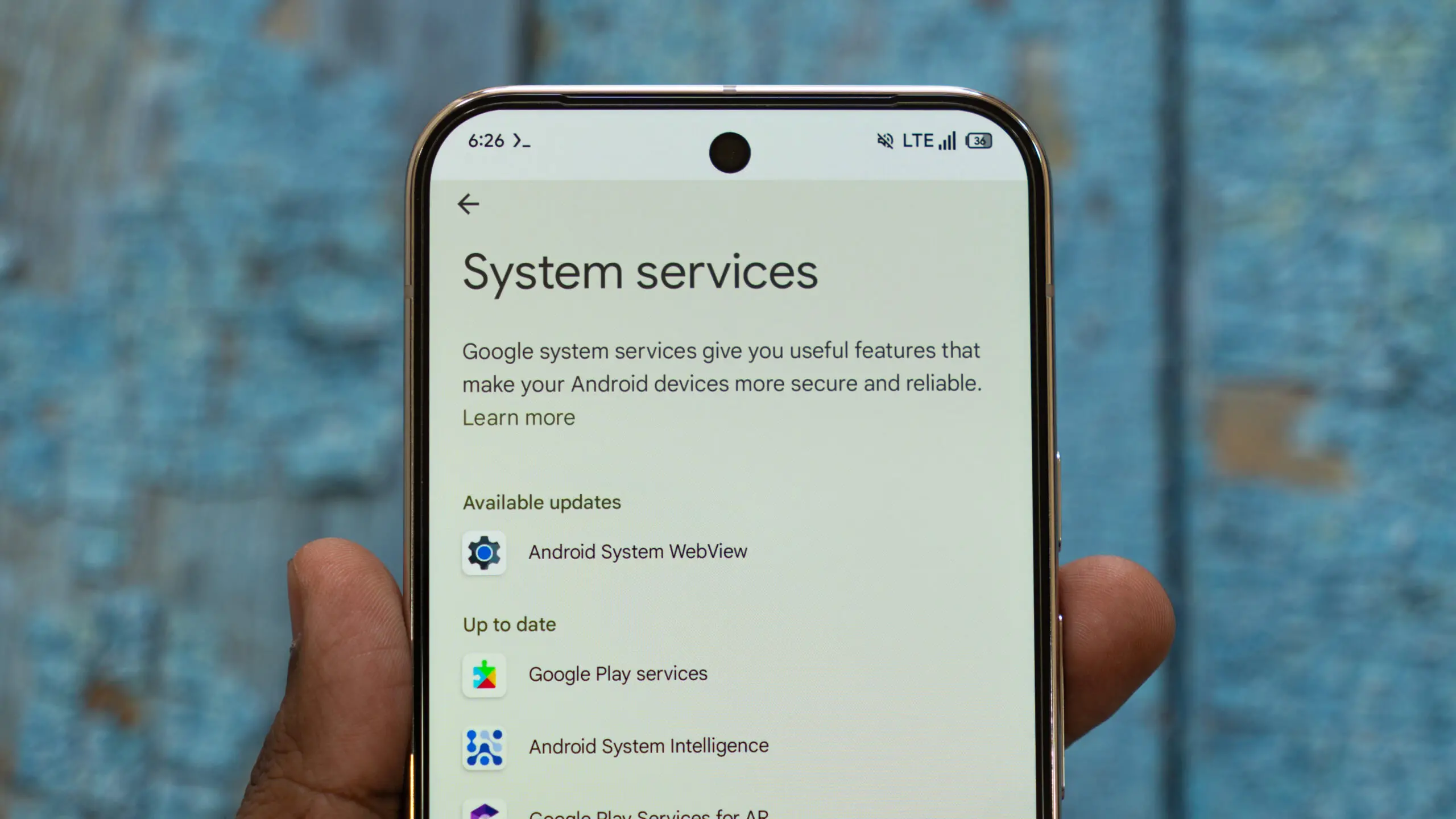
Google’s monthly cycle of Play Services updates is rarely just about fixing bugs in the background. With every new version, the company quietly introduces features that shape how Android devices interact with each other and with other hardware. The latest release, Google Play Services v26.32, is one of the more revealing updates in recent memory. It adds several multi-device features related to the company’s upcoming Googlebooks laptop and desktop effort, broadens the Tap to Share system, and brings a handful of improvements to Wear OS, Google Wallet, Play Store, and WebView. For anyone following Google’s PC strategy, this update is a strong signal that the company is serious about bridging phones and computers.
Key facts at a glance
- Google Play Services v26.32 introduces Googlebooks multi-device setup features.
- The setup wizard on PC hardware will include dedicated prompts for phone-to-laptop features.
- Quick Start support is being added for PCs, letting users set up a new desktop or laptop using an existing Android phone.
- Tap to Share is expanding to include links and locations.
- Wear OS is gaining a central location-sharing hub.
- Google Wallet is adding push provisioning support for age credentials.
- Play Store v52.8 includes a redesigned navigation bar.
- Android WebView v152 brings security patches and developer tools.
Those bullet points barely scratch the surface of what the update contains, but they explain why this release is drawing so much attention. The bulk of the news centers on Googlebooks, the company’s long-rumored line of PCs. For years, Google has used Android as a mobile-first operating system, and ChromeOS as its desktop platform. But recent moves have made it clear that Google wants to bring Android and ChromeOS closer together, and the Googlebooks initiative now appears to be the vehicle for that convergence.
Googlebooks and Android: The setup experience evolves
According to the official release notes for Google Play Services v26.32, the update lays the software groundwork for Googlebooks. During the setup wizard on PC hardware, users will now see dedicated prompts that explain the multi-device feature suite available on Googlebooks. This onboard guide is designed to introduce seamless phone-to-laptop features right out of the box, so people who buy a Googlebook can connect their Android phone without digging through menus or looking up support articles.
This is a significant change because setup time is one of the first moments a user experiences a new device. If Google can reduce the friction of connecting a phone to a laptop, the entire ecosystem becomes more attractive. The new prompts likely will walk users through features like file sharing, notifications, and cross-device actions. The exact depth of those features will depend on final hardware and software implementations, but the direction is clear: Google wants the phone to be a central hub in a larger personal computing network.
Quick Start for PCs and experimental cross-device settings
The update also brings Quick Start support for PCs. Quick Start has been a staple of Apple’s iOS onboarding for years, and Google has used a similar concept for Pixel phones and other Android devices. With Quick Start on Googlebooks, a new desktop or laptop can be set up using an existing Android phone. This process usually involves a secure wireless handshake that transfers account credentials, Wi-Fi settings, and other preferences from the phone to the new device. It eliminates many of the steps that make device setup tedious, especially for users who are not particularly technical.
In addition, cross-device settings will now include an option to toggle experimental beta features directly from device menus. This is a typical Google approach: rather than forcing beta features into the default experience, the company gives enthusiasts a switch to opt in early. It also signals that Google is building a more open and customizable multi-device ecosystem. Users who want to try new functions ahead of the stable release can do so, while everyone else can wait until those features are deemed reliable enough for general use.
Tap to Share expands with links and locations
Another major piece of the update is the expansion of Tap to Share. This feature debuted with the Pixel 11 and was initially limited to sharing contacts, photos, videos, and files by tapping two phones together. With Play Services v26.32, Tap to Share now supports links and location details. That means two compatible devices can be tapped together to instantly share a URL or a spot on a map, in addition to the earlier content types.
The addition is notable because it makes Tap to Share more useful in everyday situations. Sharing a link to a restaurant or a current location is a common need, and doing so with a simple tap is far quicker than opening a sharing sheet, selecting an app, and waiting for the recipient to open the message. The feature still relies on the hardware and software stack that made the original Tap to Share possible, but the expanded data types give users more reasons to remember it.
Wear OS gains a location-sharing hub
Wear OS is also getting attention in this update. Google Play Services v26.32 brings Google location sharing to Wear OS devices. Smartwatch owners will now have a centralized hub for configuring location permissions across supported Google apps, and they can manage those settings directly from their wrist. This is a thoughtful addition for privacy-conscious users who want to see which apps have access to their location and revoke access when necessary. The watch-based hub complements the existing location controls on Android phones, making it easier to stay on top of permissions without pulling out a phone.
Wallet age credentials and other updates
The update also includes a boost for Google Wallet. Digital ID support now benefits from push provisioning for age credentials. Push provisioning simplifies the process by allowing verified age cards to be sent directly to the Wallet app, rather than requiring users to jump through multiple verification hoops. This is particularly relevant as more states and countries adopt digital IDs and as age verification becomes more common for online purchases and restricted services.
Beyond those changes, Google Play Store version 52.8 arrives with a redesigned navigation bar on home pages. The new layout is meant to make it easier to jump straight into tailored topic categories and interests. For users who regularly browse apps by category, the updated navigation reduces the number of taps required to find something new. It is a minor but welcome quality-of-life improvement.
Android WebView version 152 is also rolling out with essential security and privacy patches, along with new developer tools for web-rendered content inside apps. WebView is the component that lets Android apps display web pages in an embedded browser. Security patches for WebView are especially critical because a vulnerability there can affect any app that loads web content. The new developer tools, meanwhile, give app builders more control over how web content behaves in their applications.
A long road to Android on PCs
This is not the first time Google has tried to make Android work on larger screens. The company previously experimented with Android apps on Chromebooks, and it has invested heavily in responsive design and foldable displays. The Googlebooks push, however, represents a more direct attempt to create Google-branded PCs that run a Google operating system and integrate deeply with Google services. Earlier leaks and media reports have pointed to a desktop camera app interface and other software features that would look at home on a laptop or desktop. The release notes for Play Services v26.32 confirm that multi-device connectivity is a core part of the plan.
There are still many unanswered questions. No official Googlebooks hardware announcement has been made, and the company has not confirmed when the first devices will launch. But with the software setup flow already appearing in Play Services, the infrastructure is clearly being put in place before the hardware arrives. That is a common pattern for Google, which often ships platform-level support well in advance of consumer-facing products. By the time the first Googlebooks devices appear on store shelves, the foundational software may already be mature enough to support a polished launch.
What the update means for the broader ecosystem
The changes in Google Play Services v26.32 are not limited to Googlebooks and Tap to Share. The addition of location controls on Wear OS reflects a broader push toward user privacy and transparency. Google has been adding permission controls across its services for years, and putting those controls on a watch is an extension of that effort. The Wallet age credential update, meanwhile, points to the increasing importance of digital identity in everyday life. As more jurisdictions embrace mobile IDs, services like Google Wallet need to handle sensitive documents securely and conveniently.
The Play Store redesign and WebView patches show that Google is still focused on the fundamentals of the Android experience. An app store is only useful if users can navigate it easily, and a web-rendering engine is only reliable if it is secure. These smaller updates matter just as much as the flashier multi-device features because they improve the day-to-day experience for millions of people.
As with most Google system updates, the rollout is staged. Google Play Services and related app updates are reaching devices gradually over the next several days. Users who want to try the new capabilities should keep an eye on their device settings for notifications about pending updates. Some features may require server-side activation, so even after the update is installed, not everything will switch on immediately. The new Googlebooks-related setup prompts, in particular, will be most visible when someone is setting up a new PC, rather than through a simple toggle on an existing phone.
Still, this update offers the clearest glimpse yet into Google’s Android PC strategy. The company is building the software bridge that will connect phones, watches, wallets, and laptops into a single connected experience. Whether that bridge is enough to challenge established desktop ecosystems remains to be seen, but the foundations are being laid right now.
Source:Android Authority News