

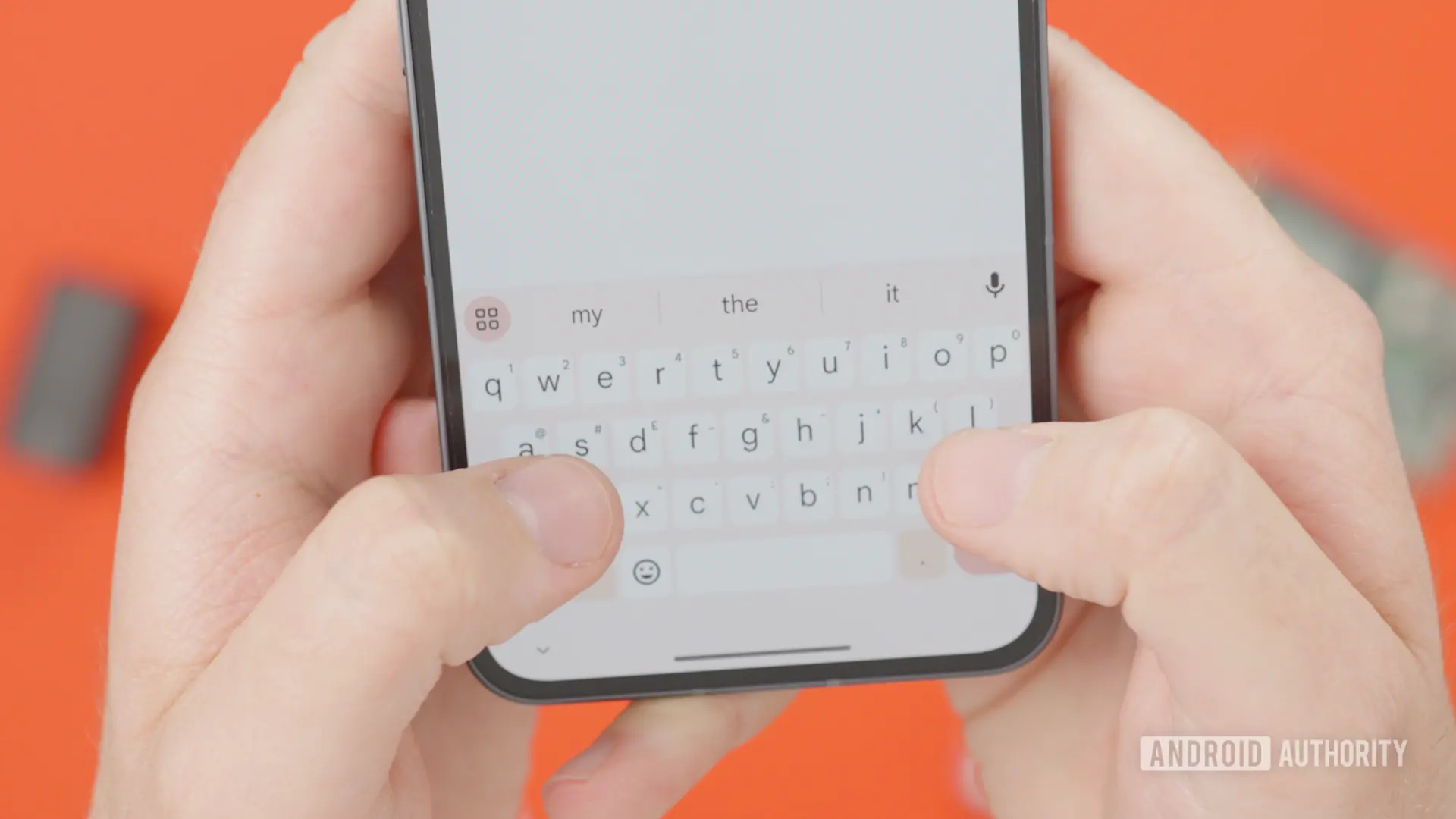
Google's Gboard keyboard is one of the most popular keyboard apps on Android, offering a rich set of features that range from glide typing and voice input to translation and GIF search. Its top suggestion bar is a handy tool that puts relevant words, clipboard items, and action shortcuts just a tap away. But for some users, that same bar can become a source of frustration, especially when clipboard suggestions appear in every chat even when they are not needed. According to a recent teardown of the latest Gboard beta, Google may soon fix that by adding a dedicated dismiss button to the suggestion bar.
Key details at a glance
- Gboard beta version 18.0.3.954559732-beta-arm64-v8a includes a new dismiss button.
- A cross icon will appear next to clipboard suggestions in the top bar.
- The same button may appear next to undo and redo shortcuts.
- Currently, users can only dismiss suggestions by typing in the text field.
- The feature has not rolled out publicly yet.
What the new dismiss button does
The feature was spotted in Gboard version 18.0.3.954559732-beta-arm64-v8a. When enabled, a small cross icon appears next to clipboard suggestions in the keyboard's top bar. Tapping that icon immediately removes the suggestion, giving users a simple way to clear the bar without having to type anything. The same dismiss control is also expected to appear next to undo and redo buttons that show up in the top bar after text editing operations. Although these buttons are useful, they can sometimes clutter the interface, especially when users are focused on composing a message and want a clean view.
Current behavior and workarounds
At the moment, Gboard does not offer an explicit way to dismiss individual suggestions in the top bar. If a clipboard suggestion appears and you do not want to use it, the only reliable way to make it disappear is to type a character or otherwise alter the text field. That action updates the current input state, causing the suggestion to be replaced or hidden. While typing is something users do anyway, it is not an ideal solution for those who want to dismiss a suggestion before they start typing, or for those who simply want to keep the interface unobtrusive.
Some users have tried clearing the clipboard history in Gboard settings, but that is a heavier approach and removes all saved clips rather than just hiding one unwanted suggestion. Others have disabled clipboard suggestions entirely by turning off the clipboard suggestion toggle, but that also disables useful features like automatic URL previews or previously copied text that the keyboard might offer. The new dismiss button would offer a more surgical approach: remove the specific suggestion that is currently in view while leaving the rest of Gboard's suggestion system intact.
Why this matters for keyboard usability
Keyboard suggestions are meant to speed up communication, but they can have the opposite effect when they are irrelevant or repetitive. Clipboard suggestions in particular can be context-dependent and often appear based on recently copied text, which may have nothing to do with the current conversation. For example, after copying a tracking number to check an order, users might see that tracking number suggested in a social media chat, a work email, or a messaging app. That can be distracting and even embarrassing if it appears in the wrong context.
The ability to dismiss a suggestion with a single tap gives users more control over the keyboard environment. It reflects a broader trend in software design where interfaces are expected to be transparent, customizable, and easy to manage. A dismiss button is a small touch, but it is the kind of detail that improves daily interactions for heavy keyboard users.
How the feature was discovered
The discovery comes from a detailed examination of the latest beta build. APK teardowns are a common method used in the tech world to look for planned features. Developers often leave code, strings, or resources in beta builds that reference features still in development. By inspecting those files, it is possible to see what might be coming in future versions. However, teardowns are not guarantees. Features can be removed, delayed, or changed before they reach a final release. In this case, the dismiss button appears to be fully built out, which increases the likelihood that it will be available soon, but Google has not confirmed a release date.
The broader context of Gboard's evolution
Gboard has evolved significantly since it was first introduced. It replaced Google's older keyboard and quickly became the default choice on many Android devices. Over the years, Google has added intelligent features such as predictive text, smart compose, emoji search, GIF integration, Google Translate support, and a robust clipboard manager. The clipboard manager alone is a powerful tool that allows users to save frequently used text snippets, and it syncs across devices when the user is signed in to a Google account.
The suggestion bar has always been an important part of that experience. It appears above the keyboard and dynamically changes based on what the user is typing or what the system detects. For instance, the bar can show relevant contacts when you are composing an email, emoji suggestions when you are typing a casual message, and formatted clipboard suggestions when Gboard detects that you copied a phone number, address, or link. These suggestions are designed to anticipate user needs, but they cannot always read minds.
How Google typically rolls out new features
Google often uses a phased rollout for new Gboard features. That means even after the code is complete, the feature can be hidden behind a server-side flag or made available to a small percentage of users first. The company does this to monitor stability and user feedback before expanding availability. It is not unusual for a feature to take weeks or even months to reach everyone, even if it appears in a beta build immediately. The dismiss button, because it is relatively simple, might receive a faster rollout, but there is no guarantee.
For users who are currently running Gboard beta, the flags may or may not be activated. Typically, a feature that is spotted in a teardown is not immediately visible to all beta users. It may be enabled for certain devices, accounts, or regions as part of testing. In some cases, users can enable the feature manually only if they are familiar with manipulating app flags or using special tools; most users will simply wait for it to arrive.
What this means for clipboard suggestions
Clipboard suggestions are a particularly useful part of Gboard. When you copy something, the keyboard suggests that content in a special bubble so you can paste it with a single tap. That saves the effort of long-pressing the text field and choosing paste from a menu. The feature is especially helpful when toggling between apps, as it keeps the copied content accessible right at the keyboard level.
At the same time, clipboard suggestions can become stale. If you copy something once and never use it, the suggestion may remain in the top bar for a long time, showing up in every text box you select. That is the scenario many users find annoying. A dismiss button would allow them to clear the suggestion instantly without leaving the keyboard, without clearing the entire clipboard, and without typing arbitrary characters. It is a simple quality-of-life improvement that addresses a common pain point.
Potential privacy and security considerations
Clipboard content is sensitive by nature. It can contain passwords, credit card numbers, personal messages, or other private data. Gboard already takes precautions by making clipboard suggestions available only to the user and not sending clipboard contents to Google unless the user explicitly agrees. Still, showing clipboard content in a keyboard bar can invite accidental taps, and it is not always clear how long the suggestion remains visible.
Having a dismiss button could also give users a quick way to remove sensitive clipboard suggestions from view. That is particularly relevant for devices that are shared with family members or coworkers. If a temporary suggestion appears with a sensitive item, the user can tap the cross icon and remove it immediately. That reduces the chance that someone else sees the content when the keyboard is open.
What to expect in the coming weeks
Although Google has not announced an official timeline, the presence of a fully built dismiss button in the latest beta suggests it could arrive soon. The feature may be included in an upcoming stable release or may be rolled out to servers in a staged manner. If the rollout goes smoothly, users will see a small cross icon wherever clipboard suggestions or undo/redo actions normally appear. If the feature fails internal testing, it could be pulled or redesigned, as has happened with other Gboard experiments in the past.
Until the feature reaches a stable channel, users can continue to clear suggestions by typing in the text field—or simply wait for Google to decide the time is right.
Source:Android Authority News