

Windows 11 25H2: A New Era for the Operating System
Microsoft has officially begun rolling out Windows 11 version 25H2, the company's latest annual feature update for its flagship operating system. This release builds on the foundation laid by 24H2 and introduces a mix of user-facing features, security enhancements, and performance refinements. For IT professionals, enthusiasts, and everyday users, understanding what 25H2 brings is essential to making the most of their Windows experience. In this comprehensive guide, we'll dive deep into the update's most notable additions, the rollout schedule, system requirements, and how to install it safely.
Windows 11 25H2 is not a complete overhaul but a careful evolution. Microsoft continues to focus on productivity, AI integration, and seamless cloud connectivity. The update is delivered through the familiar Windows Update mechanism, and most users will receive it automatically when their device is eligible. However, some features are being phased in over time, which has led to confusion about what's actually included at launch. We'll clarify those nuances.
Key New Features in Windows 11 25H2
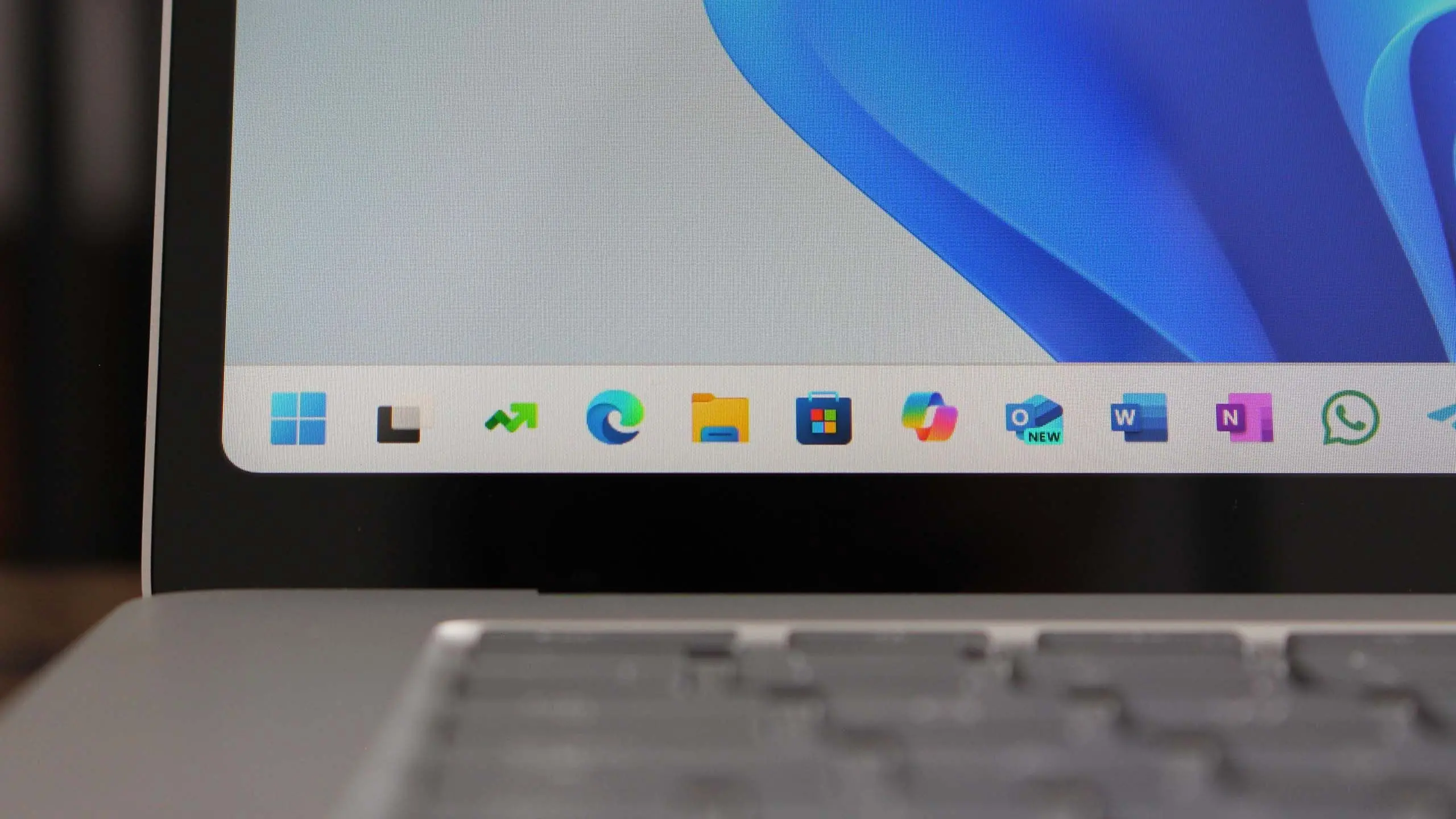
The headline feature of Windows 11 25H2 is the expansion of Copilot, Microsoft's AI assistant. The assistant is now more deeply integrated into the operating system, with a redesigned experience that sits quietly in the taskbar. Rather than a separate window, Copilot now acts as a system-level tool that can understand context, remind you of tasks, and suggest actions based on what's on your screen. Early adopters have praised the improved natural language processing and faster response times, though some functionality still requires an internet connection and a Microsoft account.
Another significant addition is the new Energy Saver mode. This feature extends battery life on laptops and tablets by capping background activity and reducing screen brightness dynamically. Unlike the older Battery Saver, Energy Saver works across a broader range of devices, including desktops, and can be scheduled to activate automatically. Microsoft claims the feature can improve battery longevity by up to 15 percent on supported hardware, a welcome improvement for mobile users.
The Start menu has also received a subtle but useful update. Users can now organize pinned apps into folders more intuitively, and the recommended section is smarter about showing frequently used files and recently installed programs. The Settings app has been revamped with a new homepage that surfaces device information, cloud storage usage, and account status in a glanceable format. Microsoft has also introduced a new, more accessible theme editor that simplifies customization of accents and window transparency.
For gamers, Windows 11 25H2 includes several improvements. The Game Bar overlay has been redesigned with a cleaner interface and new performance monitoring widgets. There's also native support for the latest DirectStorage versions, which enables faster load times on compatible NVMe SSDs. Additionally, Microsoft has fine-tuned the operating system's handling of high-refresh-rate displays, reducing jitter and improving frame pacing in windowed games.
Performance and Security Enhancements
Under the hood, Windows 11 25H2 brings a range of performance enhancements. The operating system is more efficient in managing memory, particularly on machines with 16GB of RAM or more. Microsoft has also optimized the scheduler for hybrid CPUs, ensuring that background tasks are distributed between performance and efficiency cores with greater intelligence. Users have reported smoother multitasking and improved responsiveness after upgrading.
Security remains a top priority. The 25H2 update introduces several new protective measures, including enhanced phishing protection in Microsoft Defender SmartScreen. The feature now works system-wide, not just in browsers, and can warn users if they paste credentials into suspicious applications. BitLocker encryption has also been updated to support the latest AES-256-GCM standard, offering faster disk access on modern hardware.
Windows 11 25H2 also improves Windows Hello for Business, making passkey support more robust. Passkeys are a passwordless authentication method that uses a PIN, fingerprint, or face scan to sign into websites and apps. Microsoft has pushed for wider adoption of passkeys, and this update makes it easier for third-party apps to integrate with Windows Hello.
System Requirements and Compatibility
If you're currently running Windows 11 24H2 or an older version, you'll need to ensure your device meets the minimum system requirements for 25H2. Fortunately, the requirements remain unchanged from the initial Windows 11 launch: a 64-bit processor with at least 1GHz and 2 cores, 4GB of RAM, and 64GB of storage. You'll also need a DirectX 12 compatible GPU and a display that supports 720p at 9 inches or larger. TPM 2.0 and Secure Boot are still mandatory, which means older PCs without these features will not receive the update.
Microsoft has stated that devices already running Windows 11 will automatically be offered the 25H2 update if they have enough free disk space and are not on a managed enterprise deployment schedule. Some feature-specific requirements exist, such as a neural processing unit (NPU) for certain AI features like Live Captions and Voice Focus. However, the majority of new features, including Copilot, can run on standard CPUs, albeit with limited functionality.
It's also worth noting that Microsoft is ending support for Windows 10 in October 2025, which makes the 25H2 update particularly relevant. The company is encouraging users to migrate, and this release offers a compelling reason to do so with its improved security and modern interface. If you're still on Windows 10, you can upgrade directly to Windows 11 25H2, provided your hardware qualifies.
Rollout Schedule and How to Get It
Microsoft is rolling out Windows 11 25H2 in phases. The update began appearing in the Windows Update channel in late September 2025, but not all eligible devices received it on day one. This staggered approach is designed to catch any potential issues early and ensure a stable rollout. The company typically uses a data-driven process to ramp up the deployment over several weeks or even months. Users who manually check for updates via Settings > Windows Update will see the offer if their device is ready.
For those who prefer not to wait, Microsoft has made the update available through the Windows 11 Installation Assistant, a standalone tool that guides you through the upgrade process. You can also download the ISO file from the official Microsoft website. This is recommended for power users and IT administrators who want to test the update before deploying it across an organization. However, the standard Windows Update route is the safest option for the average user, as it ensures that system drivers and firmware are properly handled.
If you've been holding off due to previous bugs or compatibility concerns, many of the early issues that plagued earlier releases have been resolved in cumulative updates. Microsoft has committed to a long-term servicing channel for enterprise customers, and the company will provide security and reliability updates for at least 24 months after the September 2025 release date.
Potential Upgrade Pitfalls
No update is entirely without risk, and Windows 11 25H2 is no exception. Some users have reported minor driver issues with older printers and Bluetooth devices, though these are being addressed through Windows Update. Microsoft has also identified a few app compatibility glitches, particularly with certain third-party antivirus software. In most cases, these apps will automatically pause the upgrade until a compatible driver is installed.
Before upgrading, it's wise to back up important files. Microsoft's update process preserves your files and settings, but a backup is always a safety net. If you have an external drive or a cloud storage subscription, use it. You should also ensure that you have at least 20GB of free disk space, as the update needs room for the installation files and temporary data.
Users who are part of the Windows Insider Program will already be familiar with 25H2, since Microsoft tested the release through the Beta and Release Preview channels over the summer. If you want to try future features even earlier, joining the Insider Program is a good option, though it comes with the risk of encountering experimental bugs.
What Comes After 25H2
Microsoft is expected to continue iterating on Windows 11 with monthly cumulative updates, which will address security vulnerabilities and add small improvements. The company's future plans likely include a 26H1 release, perhaps with deeper AI integration and more flexible cloud features. For now, 25H2 represents the pinnacle of Windows 11 development and a solid reason to stay current with the platform.
This update also sets the stage for the next generation of Windows, which Microsoft has hinted will be a more modular and cloud-friendly operating system. Although details are scarce, 25H2 includes some foundational components that will make those future innovations possible, such as improved containerization and a more resilient update engine.
Ultimately, Windows 11 version 25H2 is a recommended update for most users. It offers tangible improvements in everyday usability, performance, and security without requiring a learning curve. If you have compatible hardware, there's little reason not to embrace this latest OS release.
Source:Windows Central News