

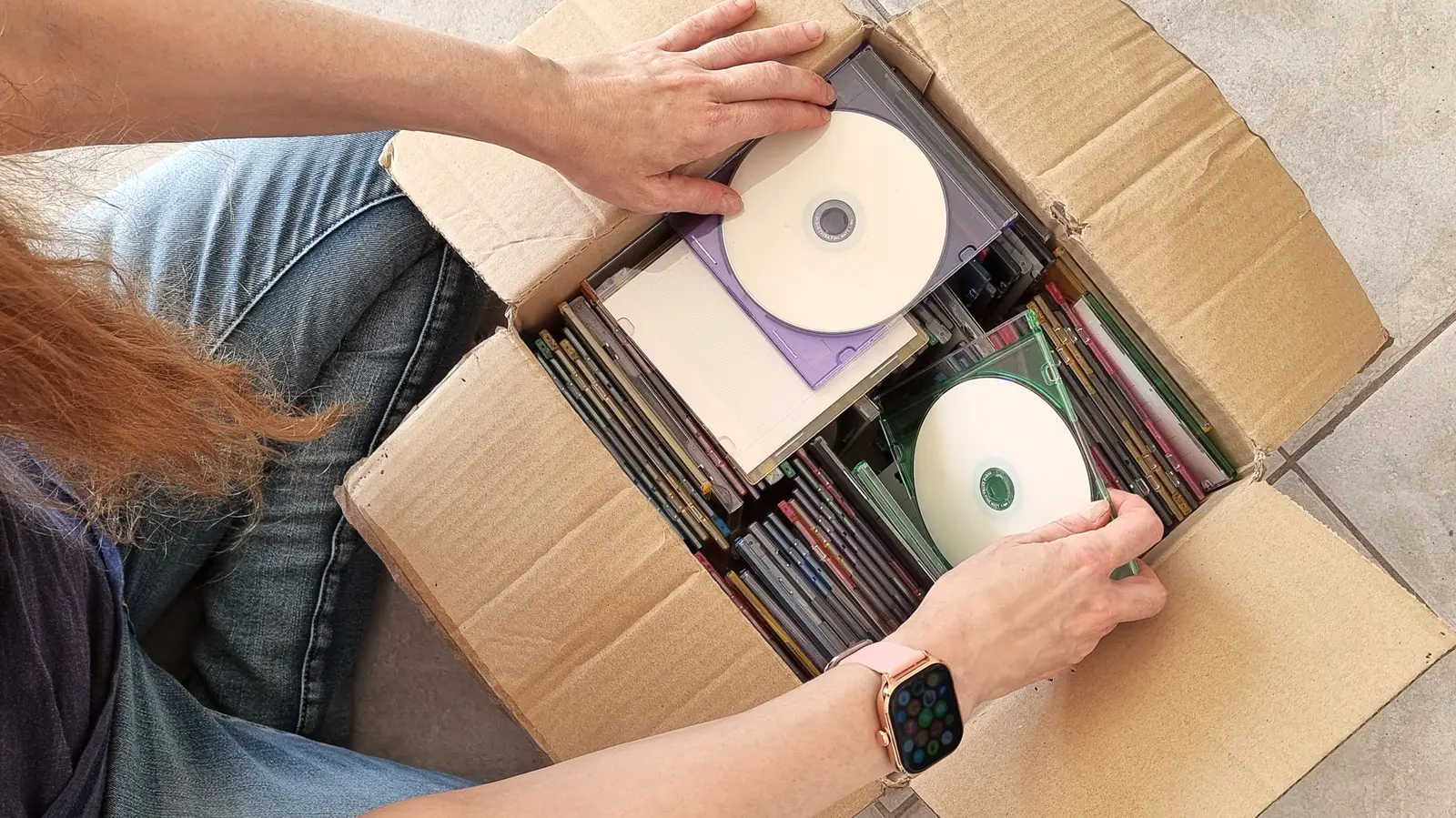
Given how much one album can differ in length compared to another, it's easy to wonder just how many songs can actually fit on one CD. But truthfully, that question doesn't really have one single answer, as it can vary depending on track length, file size, and the type of CD used. Standard audio CDs do have a time limit, which you can use to work out an average, but you won't have an exact, concrete figure.
Standard audio CDs (which adhere to the Red Book standard) can technically hold up to 80 minutes of music. With that in mind, we can use that number to figure out roughly how many songs one could hold based on data shared by analysts at UCLA. According to their analysis, the average length of most popular songs on Spotify falls between three-and-a-half and five minutes. Using four minutes and fifteen seconds as a midpoint of that range, you can assume that an audio CD can hold around 18 songs.
You can also store audio on a CD as data files, such as MP3s or FLACs. These were commonly known as MP3 CDs, and they will be subject to the typical 700 MB limit of CDs. Again, exactly how many songs that translates will depend, but you can work out an average. For example, if the music files you're burning on the CD come to about 10 MB each, then you should be able to fit 70 songs on there.
Other factors can also affect how much music you can fit on one disc
Although audio CDs tend to cap out at 80 minutes as a general rule, there are all kinds of other reasons why you might struggle to fit a full playlist on a rewritable CD, or find yourself with more space on there than you'd expect. For starters, some recordable discs are designed to offer higher capacities and longer runtimes. This type of disc is less common, and to make the most of its extra space, you need to "overburn" the CD.
When you overburn a CD, you're essentially cramming extra data by overriding the usual limitations present during the CD-burning process. It isn't always feasible, but using compatible discs and the correct software can make it possible. However, not every CD player supports overburned discs, and you may find that even the best CD players will fail to play them.
The amount of music that fits on MP3 CDs depends entirely on the file sizes. The number will vary, as factors such as the codec, compression, bit depth, bit rate, and sample rate can all determine just how large or small a file ends up being. So, if you're loading your disc with a bunch of uncompressed, stereo WAVs at high bitrates, you'll fill up your MP3 CD far more quickly than if you were storing 128k MP3s, for example.
The compact disc was introduced in 1982 as a revolutionary format for storing digital audio. Developed by Philips and Sony, the Red Book standard specified a disc diameter of 120 mm and a sampling rate of 44.1 kHz with 16-bit resolution. This provided a dynamic range and clarity that far exceeded analog records and cassettes. Early CDs could hold about 74 minutes of music—enough to contain Beethoven's Ninth Symphony in its entirety—but later enhancements pushed the official limit to 80 minutes. Manufacturers achieved this by tightening the track pitch and reducing the lead-in area, allowing more data to be packed onto the disc.
Beyond audio, the CD-ROM format emerged in the mid-1980s, storing up to 700 MB of computer data. This capacity became the standard for MP3 CDs because audio files are read as data rather than streaming audio. The 700 MB limit is derived from the maximum number of logical blocks (about 330,000 blocks of 2,048 bytes each) that the standard allows. Interestingly, some media enthusiasts have pushed beyond this using overburning techniques, achieving up to 900 MB on specially manufactured discs. However, such discs are non-standard and often unreliable.
The bitrate of an audio file dramatically affects how many songs fit on a CD. For instance, a pop song of three and a half minutes encoded as a 128 kbps MP3 will occupy roughly 3.5 MB, whereas the same song at 320 kbps takes about 8.5 MB. Lossless formats like FLAC or ALAC can double that size, and uncompressed WAV files consume about 35 MB for the same duration. Thus, on a 700 MB data CD, you could store around 200 high-quality 128 kbps MP3s, about 80 at 320 kbps, or only 20 uncompressed WAV files. This flexibility made MP3 CDs incredibly popular in the early 2000s for portable players and car stereos.
Another important distinction is between CD-R and CD-RW discs. Recordable CD-Rs are write-once; they can be filled to capacity and then read multiple times. Rewritable CD-RWs, on the other hand, allow erasing and rewriting, but they typically have slightly lower reflectivity, which can cause compatibility issues in older drives. CD-RWs also have a lower maximum speed limit, and most audio CD players designed before the mid-1990s may not recognize them at all. If you're burning an audio CD for a vintage player, it's best to use CD-R discs written at slow speeds (4x-8x) to ensure readability.
The rise of streaming services like Spotify and Apple Music has largely supplanted CD usage for everyday listening, but the format remains beloved by audiophiles, collectors, and those who appreciate physical media. CDs offer uncompressed sound when played directly and are not subject to the data compression of most streaming codecs. Moreover, the act of burning a custom CD—whether for a road trip or as a gift—carries a nostalgic charm that digital playlists cannot replicate. Knowing how many songs you can fit is essential for creating those compilations without waste.
Historical context shows that before CDs, the dominant formats were vinyl records and cassette tapes. A typical 12-inch LP could hold about 20 to 25 minutes per side, so a full album required two sides. Cassettes were more convenient but suffered from tape hiss and limited dynamic range. The CD offered a single medium that could hold an entire album with no side flipping and vastly superior sound quality. This advantage spurred its rapid adoption throughout the 1980s and 1990s. By the late 1990s, the CD had become the primary music carrier, with global sales peaking in 2000 at over 2.4 billion units.
Modern developments have further muddied the waters of CD capacity. Some newer players equipped with buffer memory can handle discs that have been overburned up to 99 minutes, but this remains hit or miss. Additionally, hybrid CDs exist that combine an audio session with a data session, allowing the same disc to be played in a standard CD player and read in a computer. These multisession CDs allocate some space for the audio tracks and some for data files, reducing the overall audio capacity. The Yellow Book standard, which governs CD-ROM, allows for such multisession formatting, but audio players often ignore the data portion.
In the world of high-resolution audio, discs like the SACD (Super Audio CD) and DVD-Audio were developed to offer even greater fidelity (e.g., 5.1 surround sound, 96 kHz/24-bit audio). However, these formats never achieved widespread popularity, partly due to consumer confusion and the decline of physical media. Standard CDs remain the most universally compatible disc format, playable in car stereos, home theater systems, and even computers. Understanding their capacity helps users make informed decisions when ripping, burning, or purchasing CDs.
To sum up the key facts: a standard audio CD holds about 80 minutes of music, which averages to 18 songs; a data CD (MP3 CD) holds 700 MB, yielding anywhere from 20 to 200 songs depending on file compression. Overburning can extend that, but reliability suffers. The original 74-minute limit honored the idea of fitting Beethoven's Ninth Symphony, which became a touchstone for the format. Today, despite the dominance of streaming, CDs are still produced for special editions, independent artists, and archival purposes. Knowing the precise answers to "how many songs can a CD hold" requires specifying the type of CD and the music format—no single answer applies.
Source:SlashGear News